1

Retrieve the route

File exported from the TMS, a photo of a route sheet or screen, or manual entry. A poorly framed TMS screenshot is still usable — the driver reviews and corrects it before continuing, never the other way around.

File import · photo · manual
NEW ROUTE
Take a photoRoute sheet or TMS screen
Paste TMS textCopy the client list
Create manuallyFields are optional
2

Check and correct

Every extracted line is reviewed before sorting. An automatic import is never 100% reliable — the driver stays in control of what goes through to sorting.

Always a human review
7 STOP(S) DETECTED
✓ Recognized client — 98%
Boulangerie Martin 12 Rue des Lilas, Toulouse
⚠ Several matches
Garage Dupuis 3 results — pick the right one
3

Sort intelligently

Geographic grouping first — the way an experienced driver does it in 30 seconds.

Multi-criteria, never just one factor
→ BALANCED MODE
Fast Balanced Comfortable
7 clients28 km3h40
1
Boulangerie MartinToulouse
6:45 AM
2
Garage DupuisColomiers
7:20 AM
3
Supérette RahmaniBlagnac
8:05 AM
4

Understand why

Every stop comes with a short explanation: "opens early, time priority," "reported difficult access, buffer planned." The driver can freely reorganize — the AI proposes, the driver decides.

Systematic explanation
EXPLANATION
"Opens early, time priority"
"Reported difficult access, buffer planned"
5

Prepare the load

Loading plan derived directly from the chosen order: the last stop at the back of the truck, the first stop accessible last. Weight checked against vehicle capacity.

Back to door, automatic
18,340 kg / 24,000 kg
Back Middle Door
6

Support the day

Live position, distance to the next stop, handling the unexpected (closed client, waiting, refusal) without losing track of the route. Driving demands strong focus — the product handles the rest.

GPS tracking + unexpected events
● STOP 4/12
NEXT STOP Supérette Rahmani 3 Place du Marché, Blagnac · arriving 10:05 AM
↑ Start navigation
7

Enrich the collective knowledge

Actual observed schedule, specific access notes, delivery duration — captured in seconds after each stop. When a driver leaves the company, their experience stays usable by the others.

The system validates facts, not people
+1 KNOWLEDGE ADDED
Difficult access — 19T max truck, rear entrance
Actual schedule Delivery duration
AROUND THE ROUTE

What DistriZen also does, day to day.

Beyond sorting the stops, the app covers what surrounds the route — before departure, and for the whole team.

Vehicle check, before hitting the road

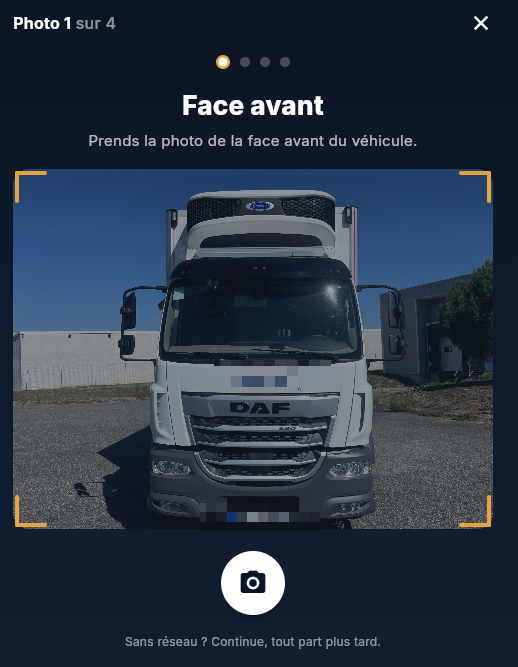
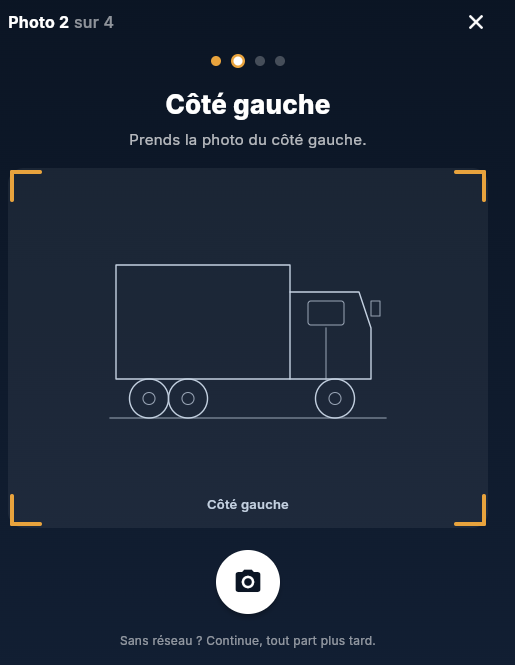
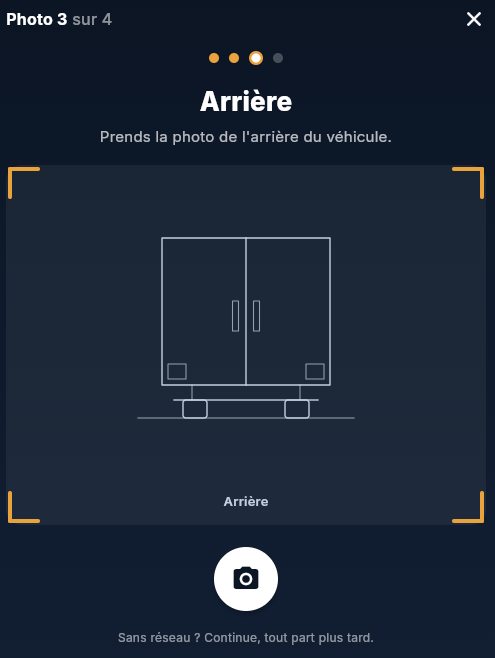
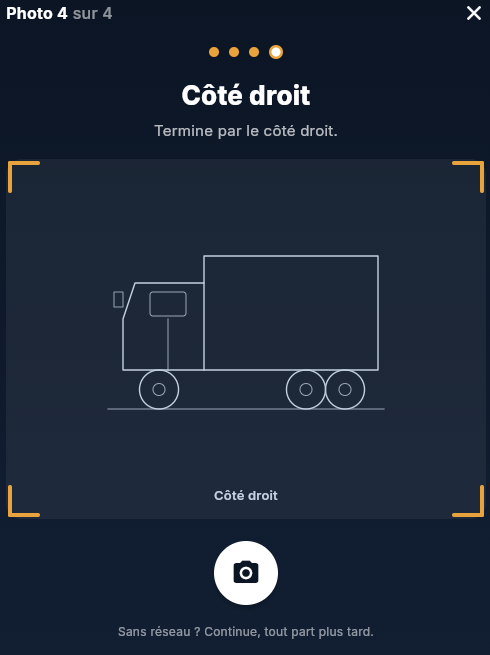
A guided walkaround of the truck in four photos — front, left side, rear, right side — under 20 seconds in total. Each photo saves immediately, even without a network, and reaches the dispatcher as soon as the connection comes back.

4 guided photos · works offline
Photo 1 of 4: front of the vehicle, already taken 1 · Front
Photo 2 of 4: guide for the left side of the vehicle 2 · Left side
Photo 3 of 4: guide for the rear of the vehicle 3 · Rear
Photo 4 of 4: guide for the right side of the vehicle 4 · Right side

Voice copilot

Useful information announced out loud while driving, never forced on you: three adjustable levels, from silent to chatty, depending on what each driver prefers.

Dark mode

An interface designed for pre-dawn departures — deep navy instead of a bright white screen in the middle of the night.

One client, several names

The TMS sometimes spells an already-known client differently. DistriZen remembers its aliases so it's never missed on import.

Clients organized by area

Already-known clients stay grouped by geographic area — easy to find your way even on an unfamiliar route or when covering for a colleague.

UNDER THE HOOD

Four layers, from raw fact to explanation.

The decision engine never mixes everything into a single black box — each layer has a precise role, from the TMS all the way to the explanation given to the driver.

1

Facts

Addresses, theoretical schedules, pallets, client type, truck capacity, raw TMS data.

2

Knowledge

Real access details, client preferences, typical wait times, tips and observations reported by drivers.

3

Decision engine

Understandable rules that combine distance, schedules, geography, constraints and knowledge to build a coherent proposal.

4

AI

Explains the reasoning, observes the driver's choices, detects exceptions and learns their preferences over time.

WHAT THIS IS NOT

A complement, not a replacement.

The TMS

DistriZen doesn't manage orders, disputes, or billing. Those functions stay in your existing TMS, unchanged.

The GPS

The GPS keeps guiding driving turn by turn. DistriZen prepares the day before and during — it doesn't replace turn-by-turn navigation.

The driver's decision

No full automation. The proposed order can always be freely changed — the founding principle of the project, not an option.

BASED ON YOUR ROLE

What DistriZen changes, concretely.

Driver, dispatcher, or management: everyone lives a different day, and DistriZen speaks to each differently. Choose your role.

"Supported, never controlled."

The product must never make the driver feel monitored. It must make them feel supported — from the first 30 seconds facing an unfamiliar route.

Your morning, before and after

Without DistriZen
~40 min
  • Manually sorting a route in an unfamiliar area
  • Hesitation over the best first client
  • Calls to dispatch whenever in doubt
  • No record of access details/schedules already learned
With DistriZen
~30 sec
  • Order proposed automatically, with the reason for each stop
  • Geographic grouping already done
  • Known access details and schedules flagged in advance
  • You adjust freely, you stay in control
See the full detail of the 7 steps, from import to support

Fewer calls. A more versatile team.

A dispatcher's job isn't to guess what a driver doesn't know yet — it's to rely on what the team has already learned, even after the person who learned it is gone.

What changes in your day

Morning

Fewer calls received

Drivers hesitate less in an unfamiliar area — fewer phone calls for you.

Daytime

Flexible assignments

A driver out sick, a route to reassign: the knowledge base makes it workable.

Ongoing

Know-how stays

When a driver leaves the company, their field experience stays usable by the others.

Overview

Team dashboard

Aggregated stats, unexpected events, adoption of proposals — the whole team, at a glance.

We will never sell a promise.

Management shouldn't have to choose between believing a sales pitch and running its own test alone. The pilot program exists to settle it with numbers, not conviction.

What you track

Costs

Reduced prep time

Fewer minutes lost every morning, multiplied by the number of drivers — a real ROI calculation.

Quality

Missed windows, detours

Tracked during the pilot to measure the real effect, not an upfront estimate.

HR

Onboarding time

A new driver becomes autonomous faster, building on already-collected experience.

Decision

Numbers, not promises

The free pilot produces evidence before any discussion of a wider rollout.

Delivered on time, they won't remember it.

Your customer's trust is built in details they never see: information that doesn't get lost between the TMS, the pallet count and the handheld scanner, an announced time window that actually holds.

What they always notice

Reliability

Fewer incidents, more trust

Real access constraints and instructions already known before arrival; field experience stays usable even when a driver changes.

Punctuality

An arrival time that actually holds

Route order based on real schedules, with a realistic margin on difficult access points.

Info

One source, not three screens

Pallets, TMS, handheld scanner: scattered information brought together in one place, fewer address or quantity errors.

WANT TO SEE IT ON YOUR OWN ROUTES?

The pilot program is free and open.

Apply to the pilot program Download the brochure
Apply to the pilot program